
TEMPLATE
2026 Training Calendar

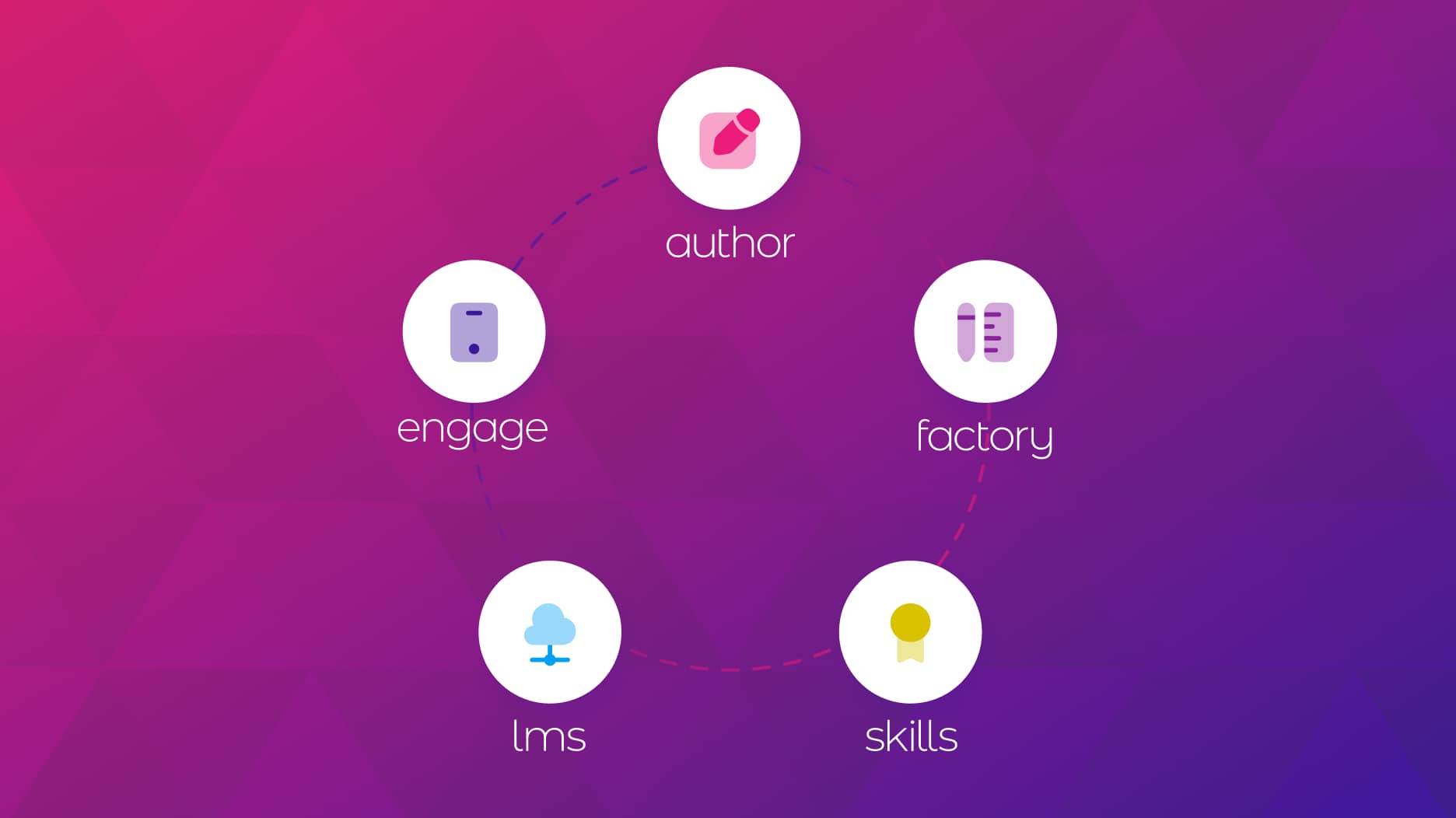
Author
The #1 AI-powered authoring tool on the market

Factory
Custom e-learning content factory

Skills
Comprehensive power skills course catalog

LMS
All-in-one LMS platform with AI

Engage
App for managing frontline teams

Game
Gamification app for business
FEATURES

AINew
Unlock your full potential and speed up course creation with artificial intelligence.

Accessibility
Automatically meet accessibility guidelines—without sacrificing interactivity!

Interactivity
Boost engagement with interactive, ready-to-use activities that make learning fun.

Course Creation
Reduce the time it takes to create your e-learning courses with our authoring tool.

Distribution
We offer you different distribution options, so that nothing can stop you.

SCORM
Publish your course in SCORM format and share it on any LMS.
SERVICES

Instrucional Design
Surprise your students with multimedia and interactive content.

Custom Courses
We create e-learning courses for you—tailored to your needs and hassle-free!

Virtual Reality
Turn learning into an immersive experience.

Custom Avatars
Give your courses and videos a unique touch with personalized avatars.

Audiovisual FactoryNew
Turn training into something dynamic and visual with engaging videos.
CATALOG
Course catalog
Over 600 skills and competency courses to help you adapt to your team's needs.

Microsoft Copilot AcademyNew
Your professionals will learn how to apply Copilot AI to key processes within your organization.
Artificial Intelligence Academy
Train your teams in the practical use of AI to boost productivity and innovation in your company.

Cybersecurity Academy
Capacita a tu empresa con el catálogo más completo en seguridad digital corporativa.
FEATURES

Quizzes & Games
Turn your training into an engaging Q&A game.

Challenges & Competitions
Enhance learning through friendly peer challenges.
Rewards & Incentives
Motivate employees with points, levels, and leaderboards.
Social & Collaborative
Strengthen team connections with interactive social dynamics.

KPIs & Analytics
Track and optimize your training initiatives instantly and effortlessly.

Use cases
Choose the solution that best fits your needs

Industries
Solutions for all types of industries
USE CASES
Onboarding
Facilitate the onboarding process, productivity and engagement of your new employees.
Upskilling
Boost your team's skills and prepare them for the challenges of the future with upskilling.
Microlearning
Discover all the advantages of microlearning and boost your training results.
Gamification
Enjoy addictive training that will get your professionals hooked.

Internal Communication
Improve communication in your company and enjoy an aligned and committed team.

Mobile learning
Agile, flexible, and interactive learning—built for today’s digital-first workforce.
INDUSTRIES

Banking and financial services
Training in compliance, cybersecurity, customer service, and key skills development.

Pharmaceuticals and healthcare
Digital onboarding, regulatory updates, and ongoing training for healthcare staff.

Retail and consumer
Agile and scalable training for in-store, operational, and customer service teams.

Industry and manufacturing
Training in processes, safety, and corporate culture for distributed teams.

Education and training
Digital solutions for training centers, internal academies, and corporate universities.

Technology and telecommunications
Development of technical talent, digital skills, and upskilling and reskilling programs.
CLIENTS

MAPFRE
How MAPFRE turn e-learning into sales with isEazy

Pepco
A personalised learning experience for a growing team.

BBVA
Digitisation and creation of high quality e-learning content.

Shiseido
We increase the engagement of the training with a social and gamified app.

Telefónica
Large-scale reskilling for the company's digital transformation.

Vodafone
A personalised learning experience for a growing team.
More than 1,000 companies already rely on isEazy.





MEET ISEAZY

News
Find out the latest news about isEazy: press releases, partnerships, updates...

Contact
Leave us your personal details and we will contact you as soon as possible.
About isEazyNew
Find out more about our company.
Careers
We are looking for the best talent, join our team!

Partners
Become our partner and grow your business.
INTERESTING RESOURCES

Blog
The best content on e-learning: trends, tools and key strategies.
Whitepapers
Gain valuable insights and stay ahead of industry trends.
Product releases
The latest news and releases of our e-learning products and solutions.

Glossary
Definitions of the most commonly used terms and key industry concepts.
Guides
Discover the best step-by-step tips and tricks to optimize your L&D strategy.
Webinars
Video sessions on our products, trends and more

Comparatives
Compare e-learning solutions available on the market and choose the most suitable one.
April 1, 2026

CONTENT CREATED BY:

Table of contents
A training manual is a structured document that guides employees in learning the key processes, skills, or procedures for their role. Its purpose is to reduce onboarding time, ensure consistency in execution, and serve as a permanent reference in the workplace. Companies that correctly document their processes and train their teams with clear resources achieve something fundamental: reducing learning time and improving consistency in execution.
According to LinkedIn Learning’s 2024 Workplace Learning Report, 94% of employees say they would stay longer at a company that invests in their development. In this guide you will discover: what types of training manuals exist and when to use each one, what an effective manual must include, how to create one step by step, and which tools help you produce it faster and with better results.
A well-designed manual is not just a document — it is a strategic tool for L&D. Role-specific training, when supported by a solid manual, increases knowledge retention and accelerates the integration of new employees.
There is no single valid type for all situations. Looking at real employee training examples from other organizations can help you identify the right format for yours.
| Type of manual | Best for | Recommended format |
|---|---|---|
| Induction / Onboarding | New employees | Digital / interactive |
| Procedures | Operations, production | PDF + digital version |
| Product / service | Sales teams | E-learning with simulations |
| Compliance | Entire organization | Digital with completion tracking |
| Soft skills | Middle managers and executives | Blended / e-learning |
| Interactive (LMS) | Distributed teams | E-learning platform |
A truly useful manual combines structure, clarity, and practical utility. Each section has a purpose that directly impacts the employee experience.
| Element | Purpose | Quality criterion |
|---|---|---|
| Introduction and context | Explains why the manual exists and who it is for | Clear and brief: maximum 1 page |
| Learning objectives | Defines what the employee will know or be able to do upon completion | In action verbs: know, apply, identify |
| Content by modules | Organizes information into digestible blocks | Each module covers a single concept or process |
| Examples and case studies | Connects theory to real job situations | Based on real company situations |
| Visual resources | Facilitate understanding and retain attention | Diagrams, infographics, screenshots |
| Assessments or checklists | Measure whether the employee has absorbed the content | One assessment per module or key section |
| Glossary | Defines technical or organization-specific terms | Especially useful for onboarding or compliance manuals |
A well-designed table of contents facilitates navigation from the first page. Example adapted for classic PDF and digital or e-learning manual:
For a manual in LMS format, each module becomes an independent unit with its own progress tracking and assessment.
A structured template saves time and ensures consistency across manuals from different departments. Works for both PDF and e-learning:
[COVER]
Manual name | Department | Edition date | Version
[INTRODUCTION]
Manual context (2–3 paragraphs). Who it is for. How to use it.
[OBJECTIVES]
Upon completing this manual, the employee will be able to: [list of 3–5 objectives in action verbs].
[MODULE X: TITLE]
Key concept → Step-by-step procedure → Real example → Verification checklist → Self-assessment (3–5 questions).
[ADDITIONAL RESOURCES]
Reference documentation, key contacts, related tools.
[GLOSSARY]
Terms listed alphabetically with brief definitions.
Tip: if the manual is distributed in an LMS, each module should be individually markable as complete to facilitate progress tracking.
TEMPLATE
2026 Training Calendar
12 months, 12 key courses to develop the skills your team needs.
Download calendar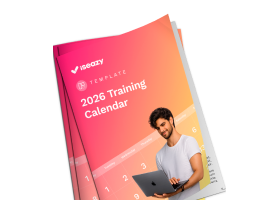


Creating an effective manual requires a structured process from the initial analysis through to final validation. Good training planning is the essential prerequisite before writing a single line.
Step 1. Analyze the audience and context
Identify who will use this manual, their prior knowledge level, and what devices they will use to access it. The answers determine the tone, level of detail, and most appropriate format.
Step 2. Define learning objectives
Every manual must answer this question: what should the employee know or be able to do upon completion? Objectives must be specific, measurable, and written in action verbs. Without clear objectives, the manual becomes a document with no training impact.
Step 3. Structure the content
Organize from general to specific: context → concept → procedure → example → assessment. Divide into manageable blocks: never more than 3–4 key ideas per module.
Step 4. Choose the right format
More and more companies are opting for interactive manuals because they improve knowledge retention by up to 25–60% compared to plain text (Research Institute of America). A digital manual in an LMS enables multimedia, tracking, and immediate updating.
Step 5. Develop the content
Key principles: clear, direct language oriented to the role; no unnecessary jargon; real company examples; small blocks following the microlearning principle.
Step 6. Review and validate with a pilot group
Before mass distribution, test the manual with 5–10 people from the target profile. The most common errors detected in pilot: confusing navigation, decontextualized examples, or poorly calibrated assessments.
The time varies depending on content complexity. A well-defined training timeline prevents delays and ensures every phase has the time it needs.
| Phase | Responsible | Approximate duration |
|---|---|---|
| Audience analysis and objectives | L&D Manager + Subject Matter Expert | 3–5 days |
| Structure and draft table of contents | Instructional Designer | 2–3 days |
| Content development by modules | SME + writer | 5–10 days |
| Visual design and layout | Designer / authoring tool | 3–5 days |
| Internal review and pilot feedback | L&D Manager + pilot group | 3–4 days |
| Corrections and final version | Instructional Designer | 2–3 days |
| Publication and distribution | LMS Administrator | 1–2 days |
Publishing the manual is just the beginning. Training evaluation is the step that closes the cycle and enables continuous improvement.
| Indicator | What it measures | Indicative benchmark |
|---|---|---|
| Completion rate | % of employees who complete the manual | >80% in the first 30 days |
| Assessment scores | Level of content absorption | >75% average in post-test |
| Time to autonomy | Days until working without supervision | 20–30% reduction vs. without manual |
| Reduction of operational errors | Incidents related to the process | Significant drop in first 4 weeks |
| Training NPS | Employee satisfaction with the manual | Score >7 out of 10 |
| Recurring consultation rate | Employees who return to consult the manual | Indicates real document utility |
Before publishing your manual, review these key points:
Content:
User experience:
Assessment and tracking:
For years, the standard format was PDF or printed document. Today, online training tools have transformed what is possible. The difference is not just aesthetic — it affects retention, scalability, and the ability to measure results.
| Criterion | Traditional manual (PDF/printed) | Digital manual / e-learning |
|---|---|---|
| Initial cost | Low | Medium-high (amortizable) |
| Updates | Slow and costly | Immediate on all devices |
| Interactivity | None | High (videos, quizzes, simulations) |
| Progress tracking | Impossible | Automatic in LMS |
| Mobile access | Limited or none | Responsive, with mobile app |
| Scalability | Difficult in distributed teams | Simultaneous distribution to the entire company |
A manual distributed in an isEazy LMS stops being a static document and becomes a manageable learning experience. The LMS adds individual tracking, centralized updating, and team communication.
With an LMS you can:
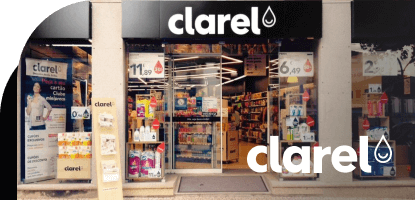
Clarel, a drugstore and perfumery chain with more than 300 points of sale, used isEazy Engage to train its store teams simultaneously, with centralized tracking. Discover how they did it →
Digital tools have transformed the creation and distribution of manuals. The right choice directly impacts the quality of the output and production time.
| Tool | Type | Main advantages |
|---|---|---|
| Word / Google Docs | Word processor | Low cost, easy to use. No interactivity or tracking |
| PowerPoint / Slides | Presentations | Visual and fast. Not optimal format for later reference |
| Canva / Adobe Express | Visual design | Attractive. No training functionality or LMS integration |
| iSpring / Articulate | E-learning tool | Powerful but with a steep learning curve and high cost |
| isEazy Author | E-learning tool | Intuitive, no-code, responsive. Native LMS integration |
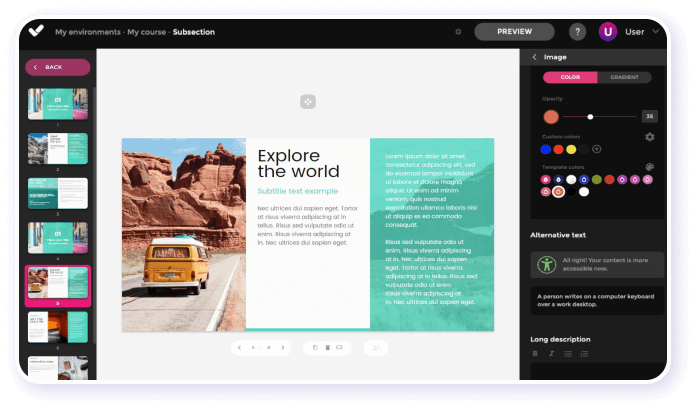
If the goal is to create interactive manuals distributable across multiple devices and manageable from an LMS, a dedicated authoring tool is the best option. isEazy Author enables the creation of visually attractive content — with videos, quizzes, and simulations — without technical knowledge. For continuous mobile learning, isEazy Engage perfectly complements the manual. And to manage distribution, tracking, and reporting, isEazy LMS completes the full training cycle. Want to see how it works in practice? Request a free demo and we’ll show you with a case adapted to your industry.
A well-designed training manual can make a significant difference in how employees learn and perform their work. It is not just about documenting processes — it is about building a tool that reduces the learning curve, ensures operational consistency, and scales with organizational growth.
If you are still working with static documents, now is the time to make the leap to interactive format. Employees learn better, L&D managers manage with more data, and the business grows with greater consistency.
An effective training manual must include a clear introduction, learning objectives, structured content, practical examples, visual resources, and assessments to measure progress. It should also facilitate navigation and be accessible to all employees.
It depends on the type of training. PDF documents are still useful, but interactive manuals or e-learning courses tend to improve knowledge retention more effectively. The best format is the one that fits both the content and the audience.
The time needed to develop a training manual varies depending on its complexity and the content to be included. Planning carefully and working with a collaborative team can help speed up the process. Using an agile, easy-to-use platform with productivity-boosting features — like isEazy Author — can help you create manuals in a very short time.
It is recommended to review and update the training manual at least once a year, or more frequently when there are significant changes in procedures, technologies, or company policies. Employee feedback can also indicate when updates are needed.
The best platform will depend on your specific needs. Tools like isEazy Author allow you to create interactive and visually attractive manuals. Additionally, an LMS can complement content creation and distribution, ensuring employees have access to the training they need.
A training manual is a reference document — in PDF, printed, or digital format — that employees consult when they need guidance on a process or procedure. An e-learning course, on the other hand, is a structured learning experience with interactivity, assessments, and progress tracking. The key difference is active engagement: the course guides employees step by step and measures whether they have absorbed the content; the manual gives them autonomy to consult it at their own pace. The ideal approach is to combine both: the manual as a reference and e-learning as an active training tool.

Streamline your training management
Experience the power of AI in an LMS that has it all




Explore more than 600 courses and programs to develop your team's talent
Request a demoTry it free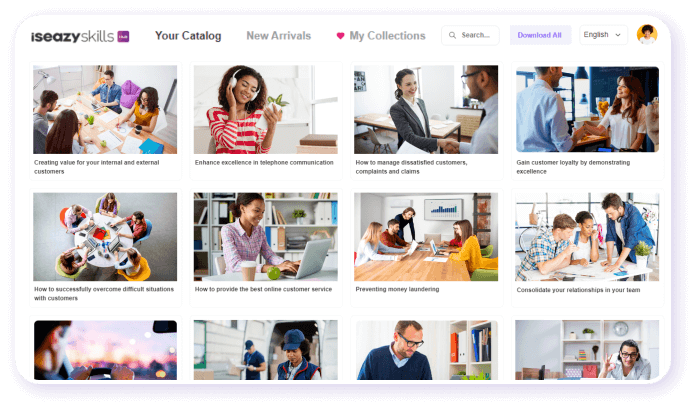
Streamline your training management
Experience the power of AI in an LMS that has it all